Apple Places Spyware Alerts on Lock Screen in 2023
Apple began showing spyware warnings on the Lock Screen and Settings in September 2023, a move that makes alerts harder to miss. The alerts indicate possible mercenary spyware activity but do not confirm a breach or identify the attacker. Users are urged to seek forensic help, especially activists, journalists, or human-rights defenders, and to follow Apple’s guidance. The article explains how to verify alerts, what forensic investigations entail, and why no single app can fully protect against
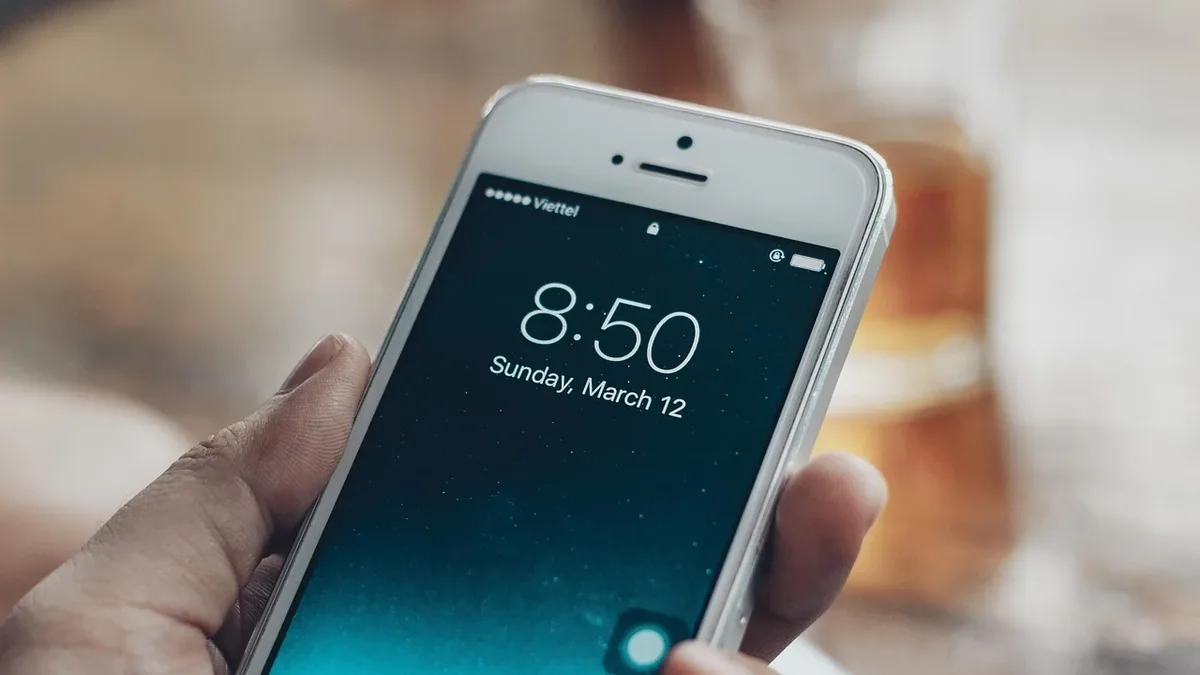
Apple has been warning its users since 2001 that they may have been targeted by spyware. In September 2023, the company began placing these threat notifications directly on users’ device Lock Screen and Settings, making them harder to miss.
What is an Apple threat notification actually telling me?
The alert signals that Apple’s systems detected activity on a device that could be linked to mercenary spyware-commercial surveillance tools sold by firms such as NSO Group, Paragon, or Cytrox, usually to government clients. The notification does not state whether the spyware succeeded, who is behind it, or their motives. Further analysis is required to understand the situation.
How do I confirm if a spyware attack has actually taken place?
An Apple threat notification is like a fire alarm: it warns of potential danger but does not act as a definitive diagnosis. If you receive a genuine alert, you should immediately seek expert support from trusted professionals or organizations capable of conducting a digital forensic investigation. Verify the authenticity of the message to avoid scams or phishing.
If you are an activist, journalist, or human-rights defender, Access Now’s Digital Security Helpline can provide tailored advice. Apple explicitly recommends that notified users enlist expert help, such as the rapid-response emergency security assistance offered by the nonprofit Access Now.
What does a digital forensic investigation do and how would it help me address a spyware attack?
A forensic investigation preserves evidence that may have been left by a spyware attempt. Time is critical, as data can be overwritten every minute a device remains on. Investigators work with you to secure that evidence.
They then examine system files, logs, and process histories for traces of spyware, collecting data in a way that minimizes exposure of sensitive personal content. If traces are found, investigators contextualize them by linking them to relevant circumstances-such as travel, sensitive work, or suspicious messages-around the dates of the traces. However, many sophisticated spyware attacks leave no obvious signs, so the absence of evidence does not guarantee safety.
Investigators may also submit their findings to peer organizations for independent analysis, strengthening the validity of the results or highlighting areas needing further research.
What if an investigation can’t find anything? Does that mean I’m safe?
A skilled investigator may not always locate evidence of a spyware infection, nor can they always provide a solution to mitigate the threat. They may suggest alternative methods for detection and prevention, but they rarely issue a blanket statement that you are fully safe. Spyware evolves rapidly and is designed to hide its traces.
Is there an app or service that can help me prevent or recover from a spyware attack?
No single app or service can diagnose, prevent, or mitigate all spyware attacks. Some tools advertise that they scan a phone and find nothing, but they only test against a limited set of indicators. Relying on such tools can give a false sense of security and may lead users to neglect essential protective steps.
Security apps can flag known spyware or prompt users to run system updates, but they operate under the same restrictions as other apps and cannot scan the entire device. They may miss spyware hidden in protected system areas. Choosing a security app also means giving the provider access to detailed information about your device, so it is crucial to trust the organization behind the app.
With digital attacks on the rise, what do I do then?
If you receive an authentic Apple threat notification or a similar alert from WhatsApp, Facebook, or Google, follow the security recommendations in the message and confirm its authenticity to avoid phishing. Seek expert help for a forensic investigation to assess the attack type and to take containment measures.
If you suspect a criminal cyber attack, consider reporting the incident to a relevant governmental authority or specialized agency, but consult an attorney first to determine if it is safe to do so. Even if immediate testing is not possible, preserve potential evidence by backing up the affected device.
Preventive steps include installing all updates promptly, enabling high-security settings such as Lockdown Mode, or using Google’s Advanced Protection on Pixel devices. WhatsApp offers Strict Account Settings for added protection. Minimize your attack surface by keeping separate devices for personal and work use and reducing the number of apps and accounts on the device.
Security is a continuous practice, not a final state. Stay alert, note any odd behavior, and seek trusted support when needed. For more on device security, see our stats page and our squad page for guidance on protecting digital rights.